Currently Empty: ₹0.00
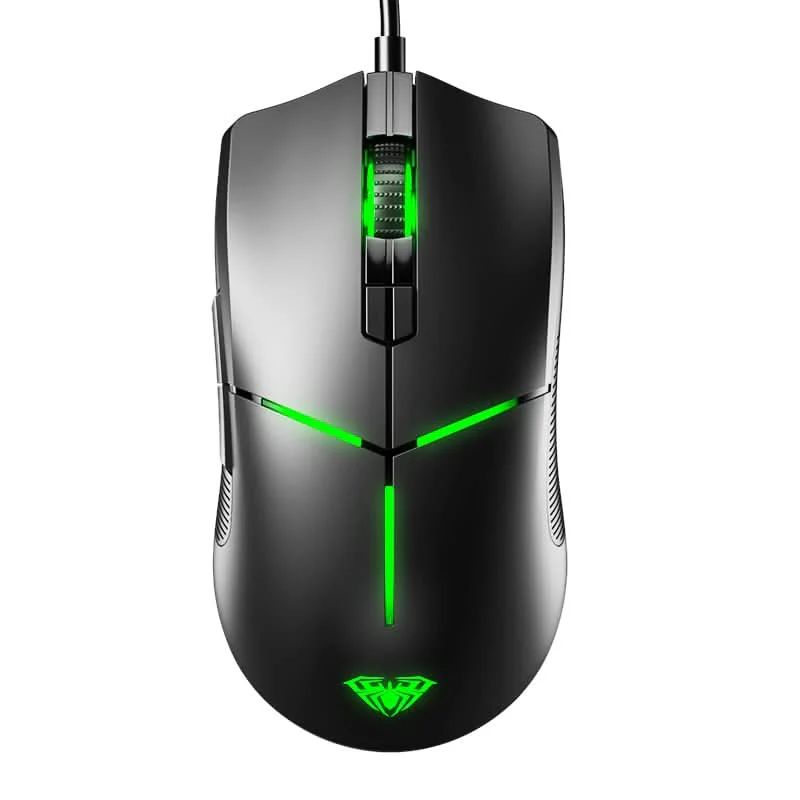
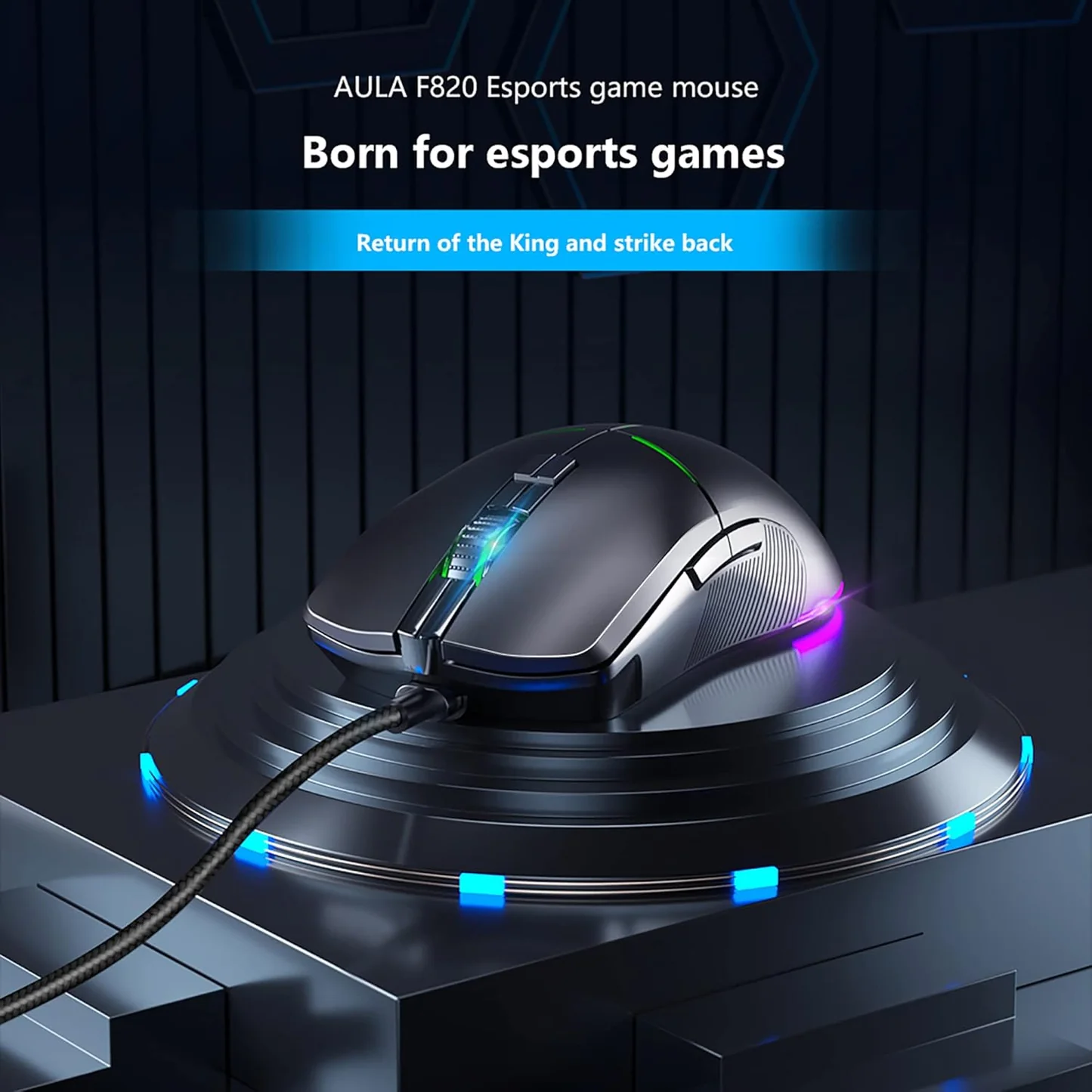
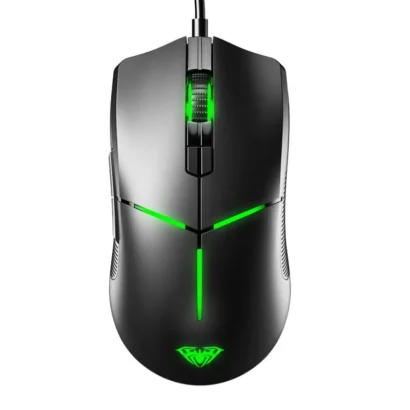
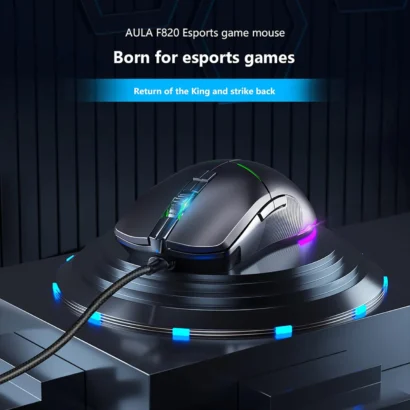
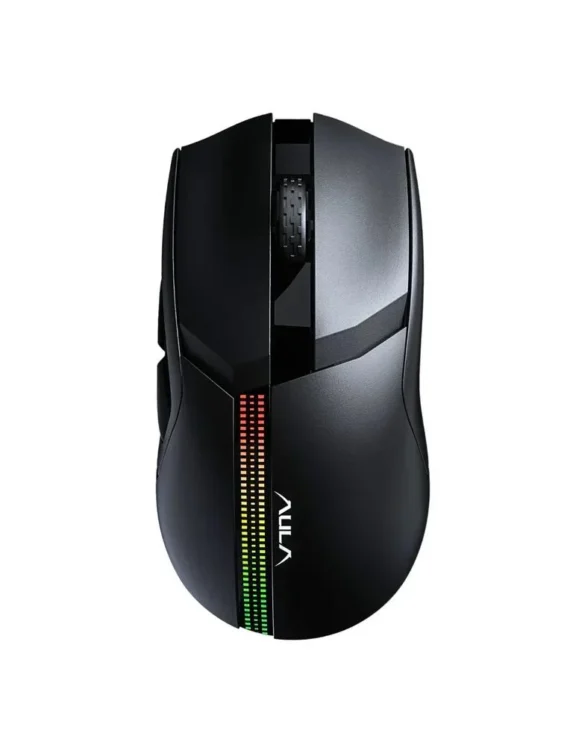
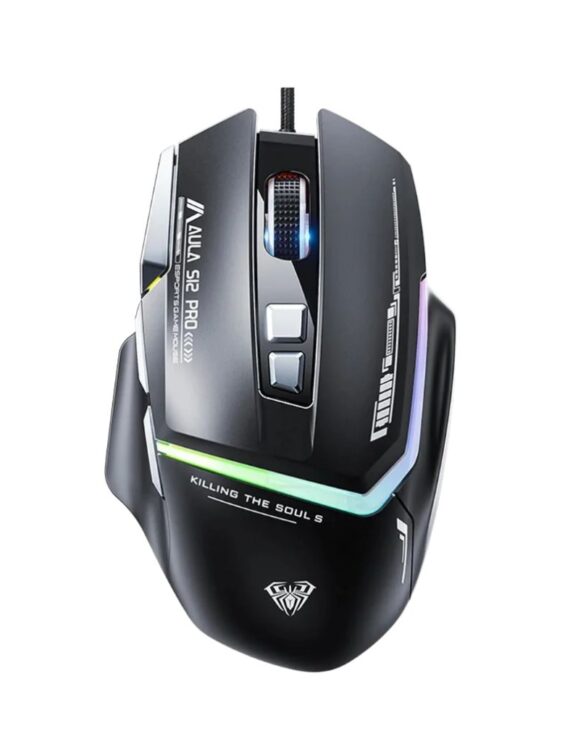
Aula F820 Gaming Mouse Black
Original price was: ₹2,999.00.₹1,348.00Current price is: ₹1,348.00.
- ✔ Smooth and stable performance for FPS games like Valorant & CS2
- ✔ Customizable RGB lighting for gaming setups
- ✔ Extra side buttons for fast actions and macros
- ✔ Budget-friendly gaming mouse with solid build
- ✔ Good balance of comfort and control
- ✔ Plug-and-play USB connectivity
Aula F820 Gaming Mouse Black
The AULA F820 Gaming Mouse Black is a budget-friendly wired gaming mouse designed for gamers who want high precision, RGB lighting, and multiple programmable controls. It is built for FPS, MOBA, and casual gaming, offering smooth tracking with an adjustable DPI range up to 6400 DPI and a comfortable ergonomic grip for long sessions.
With its lightweight design, multiple buttons, and customizable RGB effects, the F820 is ideal for both gaming and everyday computer use.

KEY FEATURES
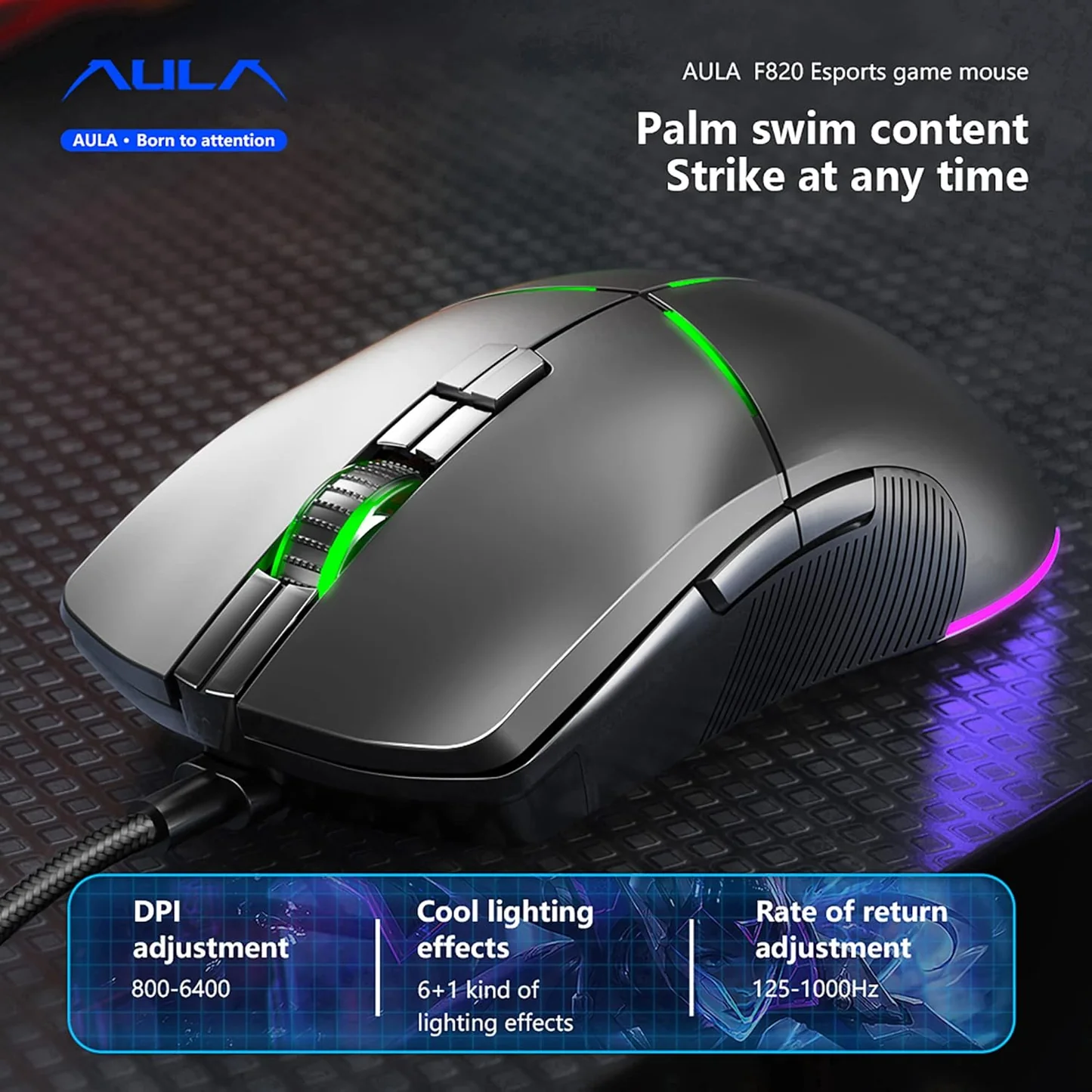
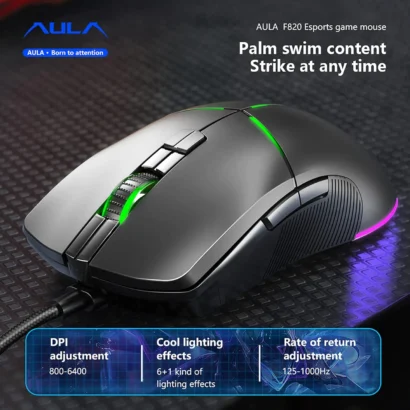
- 🎯 Adjustable DPI up to 6400
- 6 DPI levels: 800 / 1200 / 1600 / 2400 / 4800 / 6400
- 🖱️ 8 Programmable Buttons
- Includes side buttons for macros, shortcuts, and gaming controls
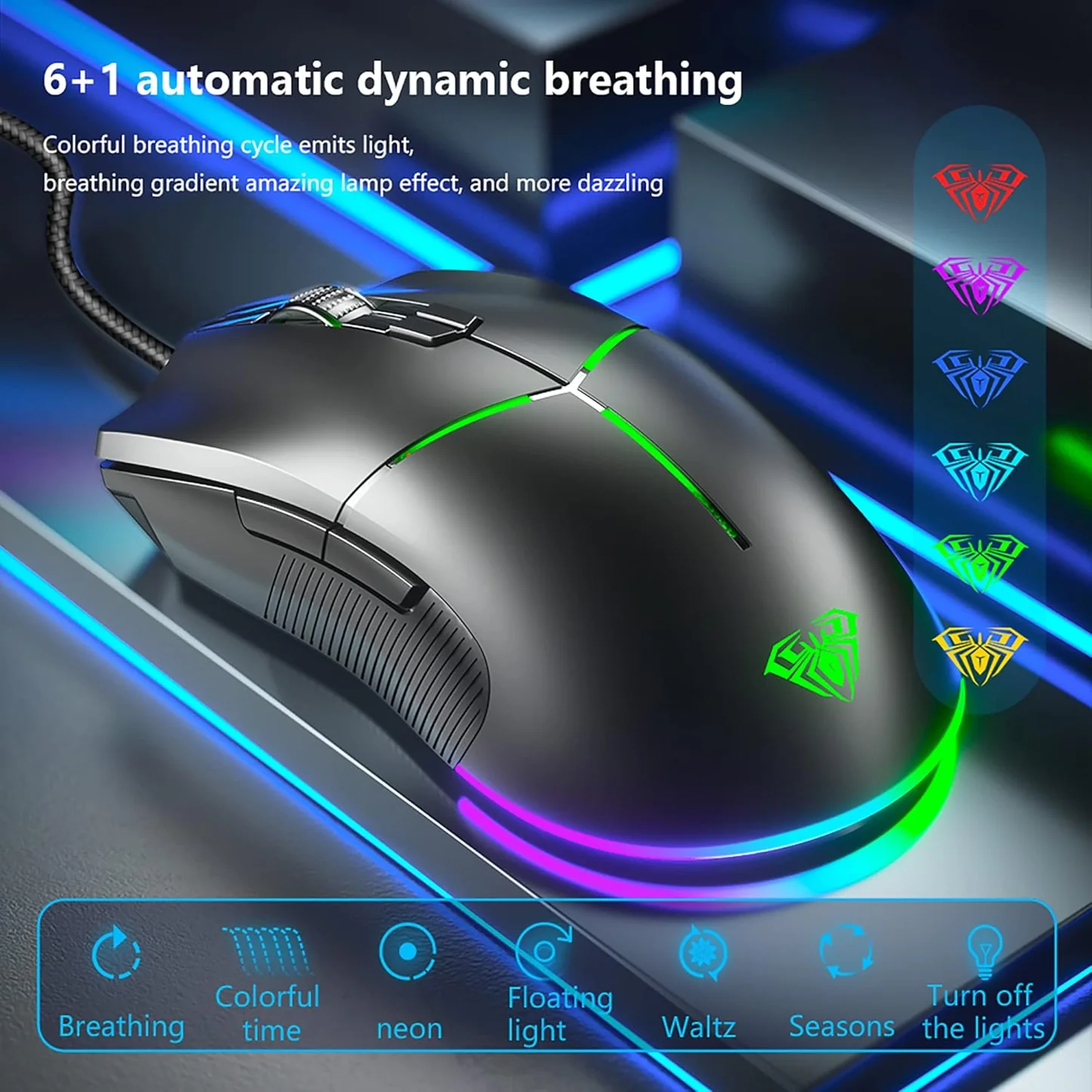
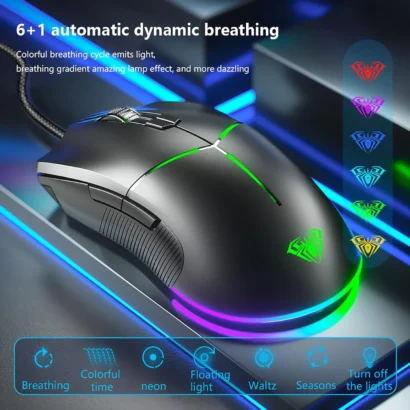
- 🌈 RGB Backlighting
- 7 lighting modes for customizable gaming aesthetics
- ⚡ High-Precision Optical Sensor
- Smooth tracking for FPS and MOBA games
- 🔌 Wired USB Connection
- Stable, lag-free performance
- 🧠 Macro Support (via software)
- Button customization and key mapping
- ✋ Ergonomic Design
- Comfortable grip for long gaming or work sessions
SPECIFICATIONS
- Model: AULA F820
- Color: Black
- Type: Wired Gaming Mouse
- Sensor: Optical gaming sensor
- DPI Range: 800 – 6400 DPI
- DPI Levels: 6 adjustable steps
- Buttons: 8 total (programmable)
- Polling Rate: 125Hz – 1000Hz
- Lighting: RGB with multiple modes
- Cable Length: ~1.5m (varies by version)
- Weight: ~120g
- Compatibility: Windows, macOS, Linux

🎯 Uses
🎮 Gaming
- FPS games (Valorant, CS2, Apex Legends)
- MOBA games (Dota 2, League of Legends)
- Casual PC gaming
💻 Productivity
- Excel shortcuts and data entry
- Basic editing tasks
- Office and browsing work
🏠 Everyday Use
- School/college work
- General desktop use
- Home PC setups
Related Products